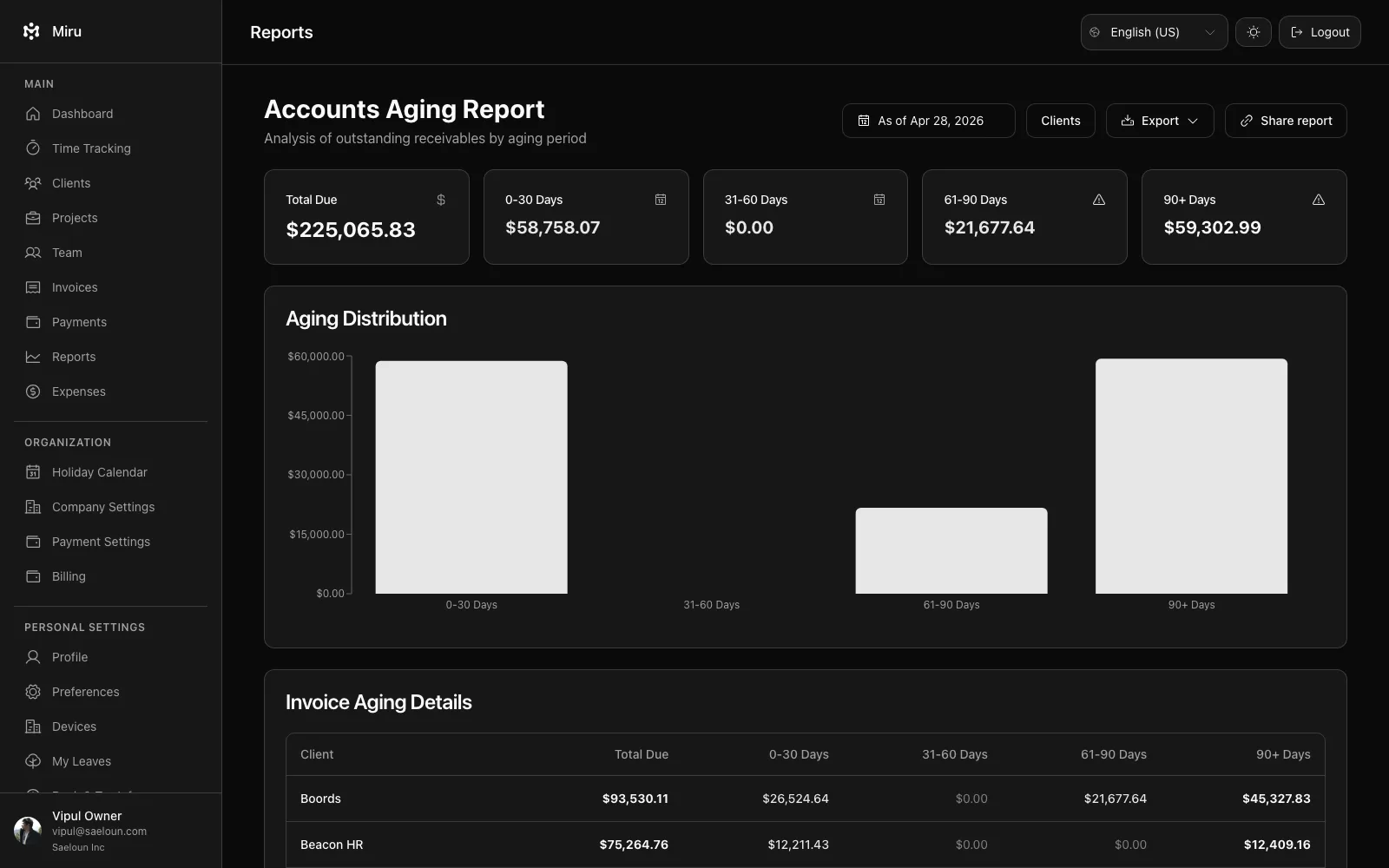
The revenue report shows what each client is worth to you over a period. Open Reports > Revenue by Client.
Filters
| Filter | Options |
|---|---|
| Date range | From and to dates. Leave them empty for all time. |
| Clients | One or more clients. |
What the report shows
For every client with a billable project in the range: the amount paid, the amount outstanding (sent or viewed invoices not yet paid) and the amount overdue, plus a total across all clients. Amounts are converted to your workspace base currency so clients invoiced in different currencies can be compared.
Revenue here comes from invoices, not from logged hours, so a client with unbilled time will not show revenue until you create and send the invoice.
Related reports
- Invoices report lists the individual outstanding and overdue invoices behind these totals.
- Accounts aging report shows how long overdue amounts have been outstanding.
Reports need a paid workspace or an active trial and are available to owners, admins and book keepers.