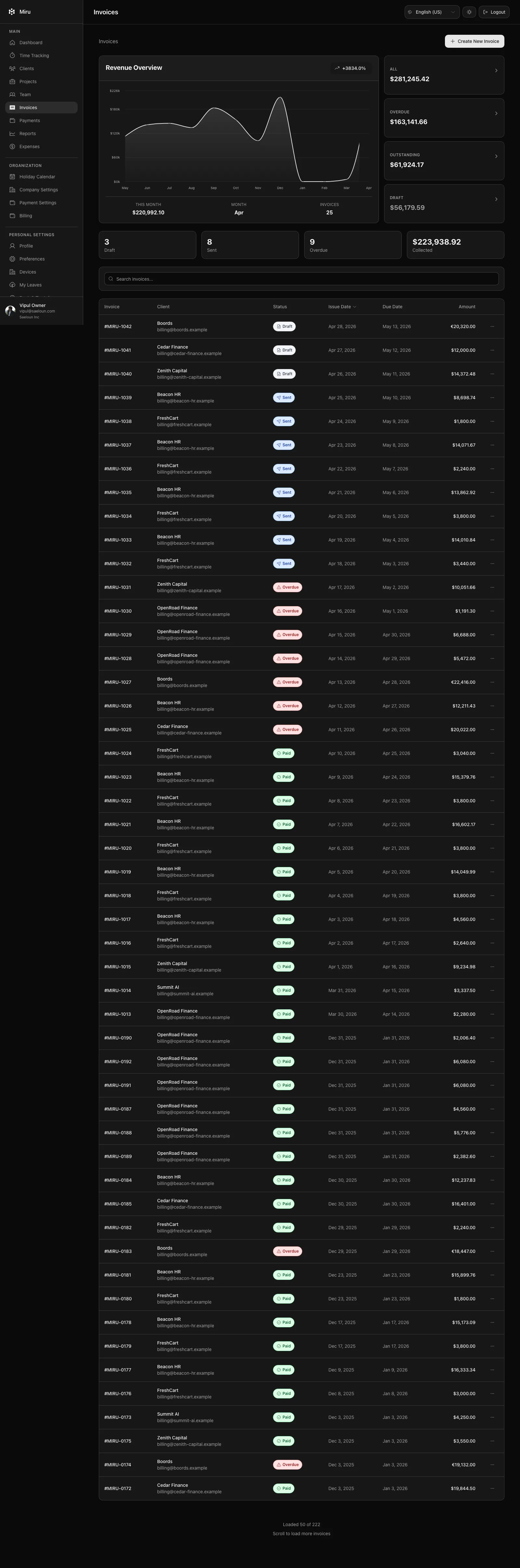
The accounts aging report shows how late your receivables are, client by client. Open Reports > Accounts aging.
What the report shows
For each client with billable invoices, the overdue amount split by how long it has been past the due date:
| Bucket | Days past due |
|---|---|
| 0 to 30 | Recently due |
| 31 to 60 | A month late |
| 61 to 90 | Two months late |
| 90+ | Three months or more |
A total column adds the buckets per client. Summary cards above the table show totals across clients. Amounts are in your workspace base currency.
Filters
| Filter | Options |
|---|---|
| As of date | Age invoices relative to this date instead of today. Useful for month-end reporting. |
| Clients | One or more clients. |
Reading it
Money in the 90+ bucket is the money to chase first. Go to Invoices, find the invoice and use Send reminder, or waive off amounts you have decided not to pursue. See Actions supported by invoices.
Reports need a paid workspace or an active trial and are available to owners, admins and book keepers.