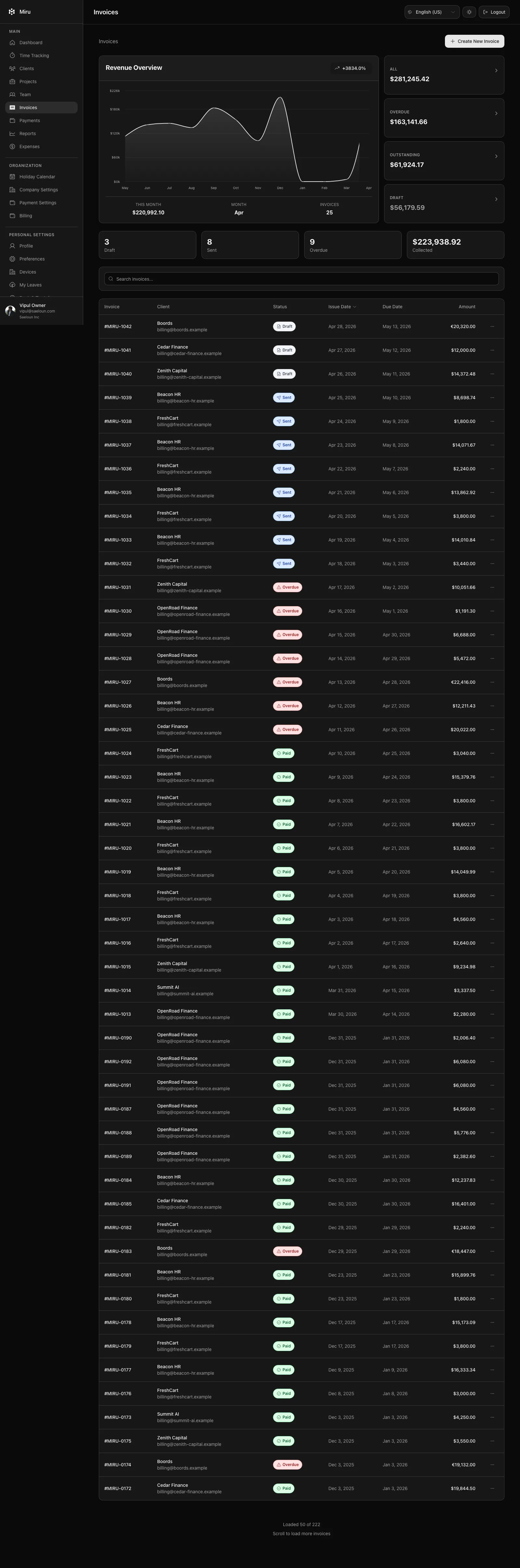
The invoices report lists money you are still waiting for. Open Reports > Outstanding & Overdue Invoices.
What the report shows
Every invoice with a status of sent, viewed or overdue appears in its own row with the client, invoice number, status, original amount and base amount.
The summary at the top shows total outstanding, total overdue and the number of invoices.
Filters
| Filter | Options |
|---|---|
| Currency Filter | All currencies or one invoice currency. |
| From Date, To Date | Limit the report to invoices issued in a period. |
Acting on it
From here the usual next steps are on the invoice itself: send a reminder for overdue invoices, mark as paid when a bank transfer arrives, or waive off an amount you will not collect. See Actions supported by invoices.
Reports need a paid workspace or an active trial and are available to owners, admins and book keepers.