Clockify tracks time.
Miru bills for it.
Clockify is a solid free timer, until you need to invoice the hours, chase the payment, or add a sixth person. Here's how to move to the full stack.
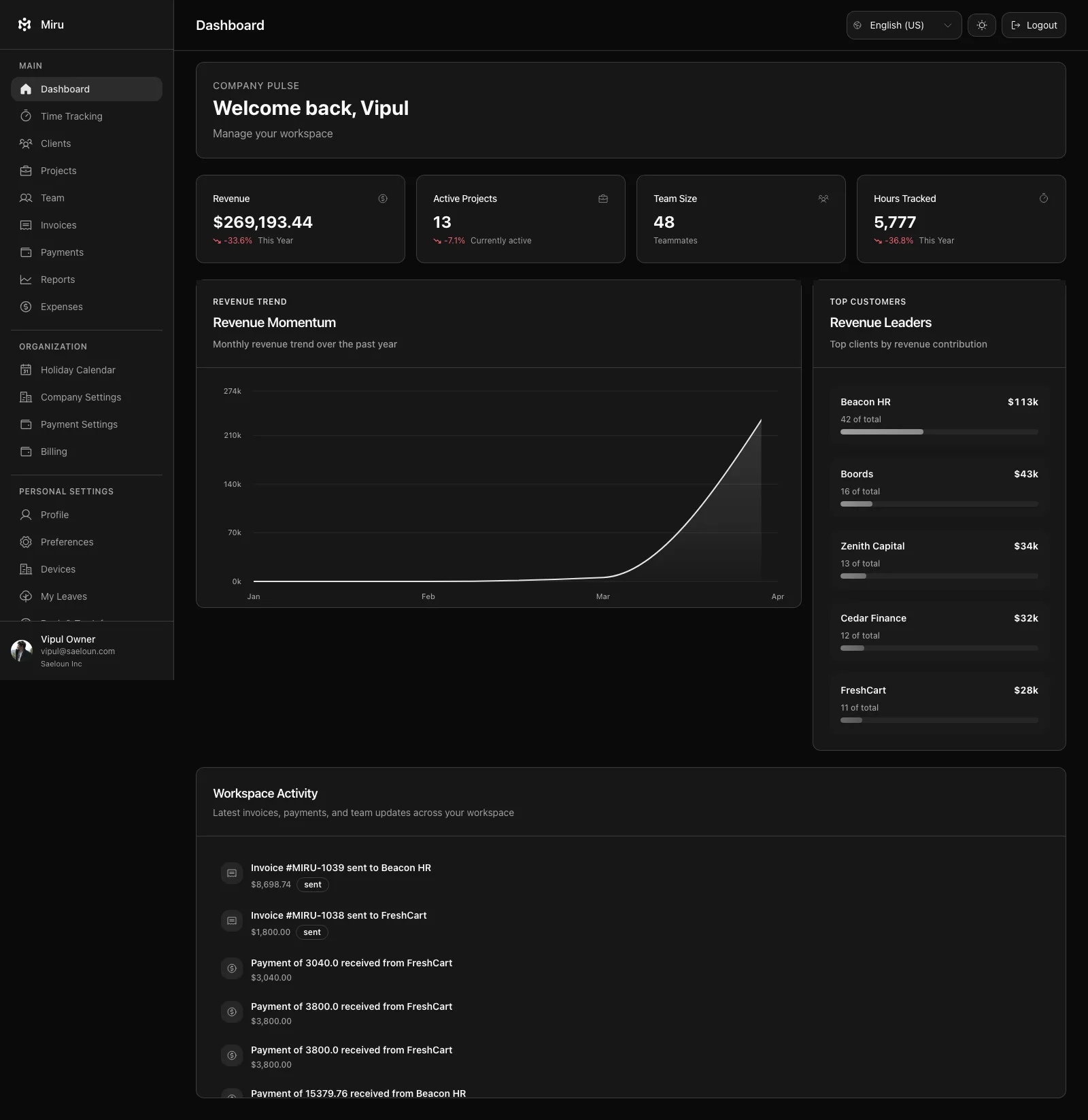
Clockify stops at tracking. Miru keeps going.
Invoicing built in
Clockify keeps invoicing behind a paid plan, and even then it is the basics. Miru turns tracked hours into an invoice in three clicks and tells you when it gets paid.
Expenses & payments
Expenses are not on Clockify's free plan and there is no payment collection at all. Miru logs expenses against projects with receipts, and takes the card payment for the invoice through Stripe.
No seat cap
Clockify's free plan stops at five users. Miru is $1 per member from the first member, every feature included, and the whole app is MIT-licensed if you would rather run it yourself for nothing.
Five steps. Ten minutes. Full upgrade.
Export your Clockify time entries
Log into Clockify. Go to Reports > Detailed, set the date range to cover all history you want to keep, click Export and choose CSV. CSV export needs Clockify's Basic plan or higher; the Free plan exports PDF only, so pay for a single month of Basic ($4.99) to unlock it. Developers can pull entries through Clockify's API instead, but with its rate limits that is a script, not ten minutes. The file has every entry with its project, client, user, email, and description.
Clockify exposes the same data through its API if you prefer scripting it.
Sign up for Miru
app.miru.so/signup. Name your organization. Pick your timezone. You're in. $1 per member per month, every feature included. No sales call.
Import your history via CLI (one spreadsheet edit first)
Miru imports one CSV shape: date, client, project, hours, first name, last name. Clockify's export already carries all of it under other names, so this is a rename, not a rebuild. Clients and projects that don't exist in Miru yet are created during the import.
- Start Date →
date - Client →
client, Project →project - Duration (decimal) →
hours - User → split into
first nameandlast name - Description →
notes
$ curl -fsSL https://miru.so/install.sh | sh $ miru login $ miru import --file clockify-export.csv --format harvest --dry-run $ miru import --file clockify-export.csv --format harvest --map "Full Name=email@example.com"
Run the dry run first. It lists any Clockify user it cannot match to a Miru team member. Clockify's export has each user's email in its own column, so the mapping is a copy-paste:
--map "Full Name=email@example.com" and run it again, or pass --assign-unmatched-to you@example.com. Rather skip the spreadsheet? Send the export to hello@saeloun.com and we'll run the import.
Invite your team
Team > Invite. Paste the emails straight from the Clockify export. Assign roles. Send. Everyone lands on a timer that works the way Clockify's does: start, stop, note. What changes is what happens to the hours afterwards. They become invoices, expenses ride along, and the payment comes back through Stripe.
Cancel Clockify (and your other tools)
If you paid for Clockify, cancel it. If you used the free plan, you are not dropping a subscription, you are dropping the spreadsheet and the invoicing tool that sat next to it. Three logins become one. Three support tickets become one.
Questions you'll have
Will I lose my Clockify time data?
How long does the migration take?
Can I run Clockify and Miru at the same time?
What about Clockify's projects, tasks and tags?
Clockify is free for my team. Why would I pay $1?
Clockify stops at the timer. Miru sends the invoice.
Migrate in 10 minutes. Get invoicing, expenses, and payments on day one.
One plan. No tiers. See pricing · All migration guides